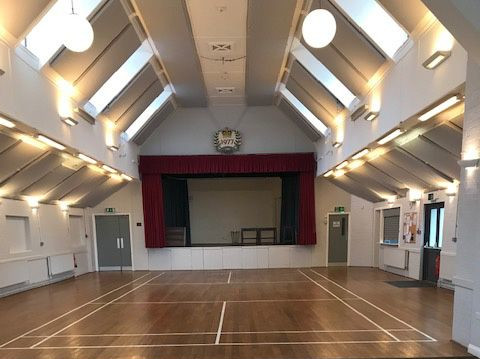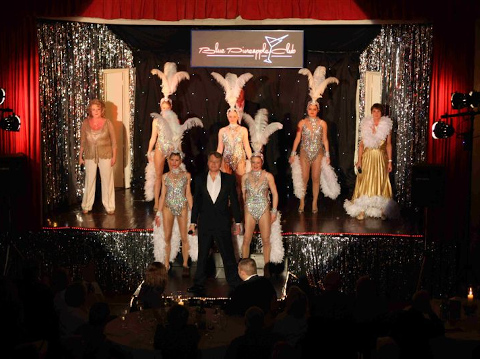
The Trustees are very pleased to be able to confirm the installation of supplemental stage extension sections at the Hall. The additional sections include triangular components that will allow the construction of more creative stage configurations for theatrical, musical ensemble and other performances. It will be possible to extend the apron, build audience facing 'wings' and accommodate larger groups of performers on stage at both high and low levels.
To discuss the options for your hall booking please contact our stage technician via the Booking Secretary. The technician will be pleased to advise and assist with the design of a stage configuration that meets your needs.
The Trustees are indebted to the Chagford Community Trust for their support in this initiative. Their financial support has enabled the Chagford Jubilee Hall Trust to extend the Hall's capabilities and offer the community even more creative opportunities.
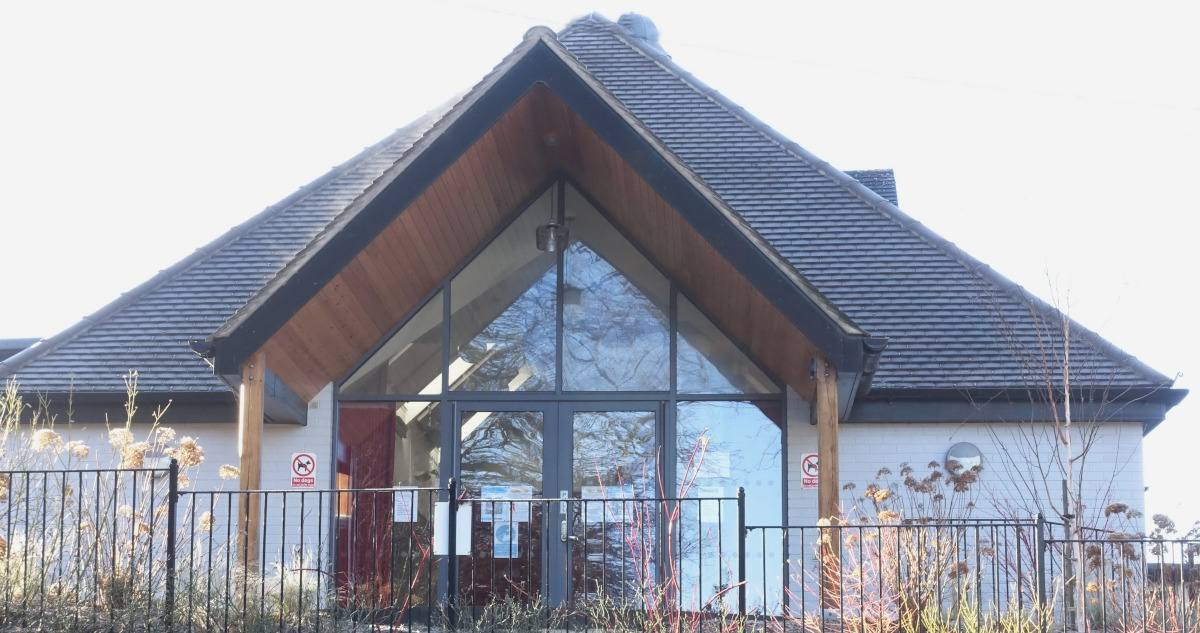
The Jubilee Hall is the natural setting in Chagford for all types of functions and community events up to 260 people. Charity events, auctions or bazaars find the Jubilee Hall ideal. Various sporting groups enjoy regular meetings. The in-built stage makes it a popular setting for shows, concerts and films. Jubilee Hall is also well suited to social gatherings such as weddings, receptions, dinners or dances. Such is the flexibility of the Jubilee Hall that for over 70 years it has provided a focal point for Chagford and the surrounding villages. A side wing of the Hall provides Chagford Library.
Built in 1936 by public subscription, visitors and organisers appreciate its easy access. The large, public car park alongside provides effortless parking. The Hire charges are modest as we have to generate our own income without external support. Go to Tariffs for reference. Booking is simple and details can be found there.
We also have a great Gallery of photographs which provide an inspiration for organisers events.
Chagford was one of four medieval Stannary towns which played an important part in the commercial and political life on the edge of Dartmoor for several centuries. Today, the community events of this bustling community make use of the Jubilee Hall.
See our Users page for details of regular weekly clubs and societies, and our What's On Guide to see the diversity of events being staged.